Front lighting
Place light in front of your face rather than behind you. Backlighting creates silhouette and landmark noise.
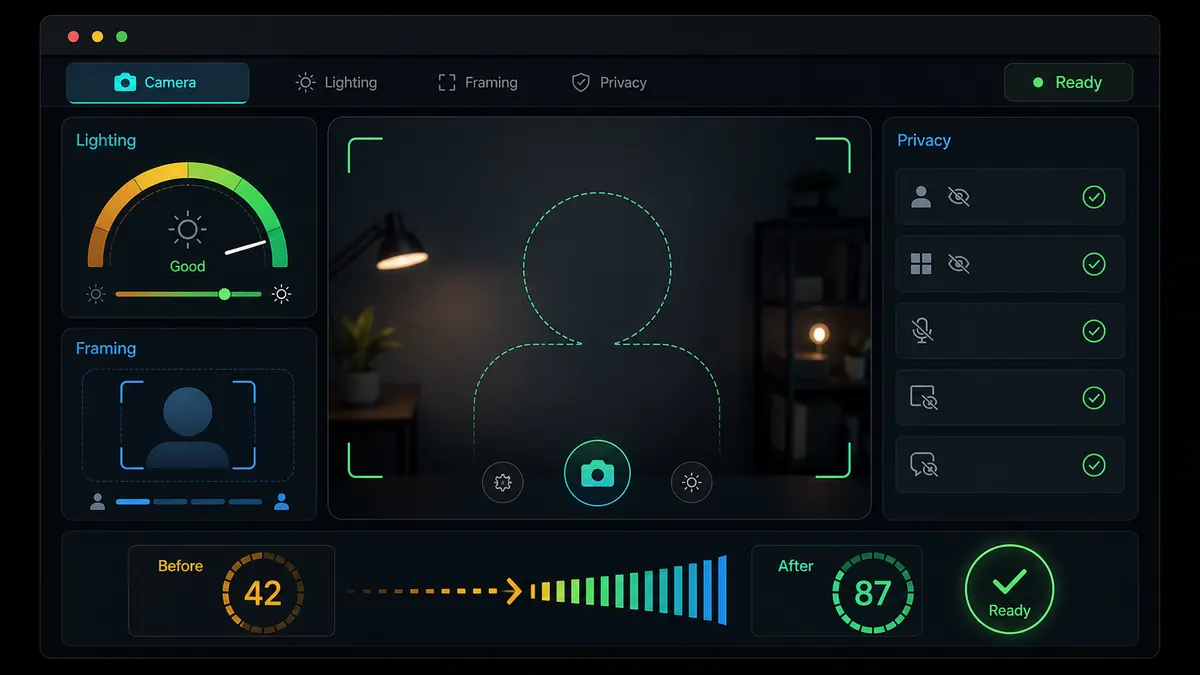
Interactive camera readiness tool
There is no guaranteed Omoggle cheat, but there are controllable setup problems that make scores noisy: dark lighting, bad angle, cropped face, compression, and private details in frame. Use this pre-flight check before you open the arena.
Built for high-score, tips, hacks, and camera setup searches without encouraging risky downloads or fake feeds.
omoggle high score setup
Adjust the sliders and toggles to estimate whether your setup is ready for an Omoggle round. The score is a setup check, not a face rating.
Readiness result
This tool does not rate your face or predict Omoggle's AI score.
Users search for Omoggle hacks and cheats, but the useful answer is usually a camera-quality checklist.
Omoggle scoring depends on what the camera frame gives the model at the scoring moment. A dark room, low laptop angle, cropped face, or unstable connection can make landmark detection noisier than it needs to be.
The optimizer focuses on controllable inputs: lighting, framing, connection quality, permission readiness, and background privacy. It does not promise a higher score and does not encourage fake feeds, APKs, or face-warp filters.
Use the tool as a short setup routine before you play. The goal is a clean, consistent frame and fewer avoidable bad rounds.
These are practical improvements a user can apply immediately.
Place light in front of your face rather than behind you. Backlighting creates silhouette and landmark noise.
Raise the camera so your face is not distorted by an upward laptop angle.
Keep the face centered and fully visible so the scoring model can read landmarks consistently.
Compression and stutter can lower frame clarity. Close heavy video tabs before queueing.
Remove real names, school logos, work badges, addresses, and notifications before live stranger video.
Do not install score boosters, cheat APKs, or extensions promising guaranteed Omoggle wins.
Make the match cleaner, not fake.
The best moment to improve consistency is before the browser shows you to a stranger. Check the frame, fix lighting, close heavy apps, and remove private details before the match starts.
Pages promising guaranteed wins, APK boosters, or undetectable fake camera feeds create security and account risk. Good setup is boring, but it is the only advice that helps without creating a worse problem.
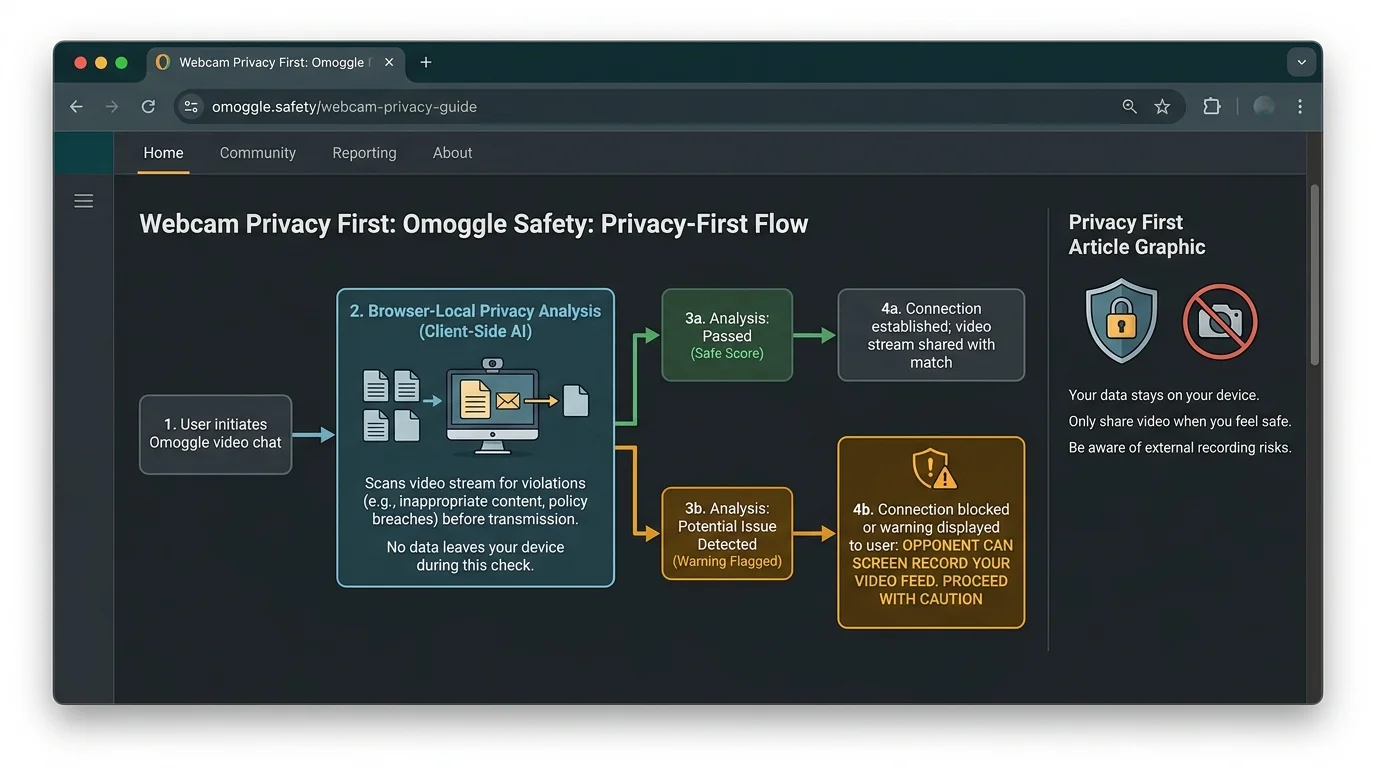
Run this sequence before every serious Omoggle session.
Use a lamp, monitor glow, or window in front of you. Avoid strong light behind your head.
Put the webcam or phone around eye level. Looking down into a laptop camera usually distorts proportions.
Keep the full face in frame with a little space around the head. Avoid extreme close-ups and clipped jaw or forehead.
Use readiness toolHide anything that reveals your address, school, workplace, family, or account notifications.
Close video calls, streams, downloads, and extra tabs. A cleaner stream means less compression in the frame.
TroubleshootMove from setup quality to play, ranks, and troubleshooting.
Use the official link checklist after your setup is ready.
See how far your ELO is from Chad after your setup improves.
Run a browser camera permission test before the live site.
Fix blocked camera, black screen, loading, and database errors.
High-score searches need a safer answer than fake cheat promises.
Users searching Omoggle tips usually need lighting, camera angle, and framing advice they can apply now.
Users searching hacks and cheats should be redirected toward safe setup improvements and away from downloads.
A readiness score keeps the page useful even when the user does not want to read a long guide.
Direct answers for high score, tips, hacks, and setup searches.
No. It only checks camera readiness. Omoggle's score depends on the live model, the frame at the scoring moment, and match variance.
Use front lighting. A clear, evenly lit face is the most reliable setup improvement before a match.
No reliable public cheat is documented. Downloads, fake camera feeds, and filters can create security or account risk.
OBS can help adjust brightness or framing if the browser accepts a virtual camera, but it does not guarantee a higher score.
Because the same webcam frame used for scoring is also shown to a stranger. A good setup is useless if it exposes private details.
Good setup does not guarantee a win, but bad setup can create avoidable losses and privacy problems.
Run the readiness check, clean the frame, then decide whether to play.
This tool is local guidance only. It does not connect to Omoggle or analyze your face.