Official domain
omoggle.com is the domain to verify first when you want the official Omoggle arena flow.
Interactive Omoggle domain safety tool
People search Omoggle through typos, clips, clone domains, and app-looking pages. Use this checker to decide whether a domain is the official Omoggle site, a lookalike, a typo, or still unverified before you open your webcam.
Built from Search Console queries and current Omoggle domain confusion. Independent guide.
omoggle website checker
Paste the exact domain from your browser bar. The result focuses on camera permission, clone risk, and download risk.
Domain result
Camera permission belongs to the exact domain you allow, not to the Omoggle name in general.
The query data shows users are not only searching for Omoggle. They are searching spellings, app domains, clone domains, and direct URLs.
The official Omoggle site is associated with omoggle.com, but search results and social clips send users through many similar strings: omoggle.app, omoggle.co, omogglegame.com, o moggle, moggle, and other typo-style variants.
That matters because browser camera permission is domain-specific. A site can look similar, use the same words, or promise the same mog battle loop while still having different account handling, ELO rules, moderation, downloads, and privacy language.
This page turns that confusion into a quick task: check the exact address, read the result, then decide whether to continue, compare, or leave.
Use these checks before any Omoggle website asks for camera access, downloads, or account login.
omoggle.com is the domain to verify first when you want the official Omoggle arena flow.
omogglegame.com, omoggle.app, omoggle.co, omoggle.run, and similar pages can be separate products with separate policies.
Queries like o moggle, moggle, omogle, and omoggle.con are strong signals to slow down before camera permission.
If the address bar is wrong, do not grant camera permission just because the page looks familiar.
A browser game should not need a random APK, extension, or installer before you can test the experience.
Before webcam use, look for terms, privacy, age rules, and how camera or biometric processing is described.
The checker is intentionally conservative because webcam permission is a high-trust action.
If the domain is omoggle.com, you are at the expected Omoggle domain. You still need to treat the arena as live stranger video: confirm 18+, clear your background, and read the current terms and privacy text before entering.
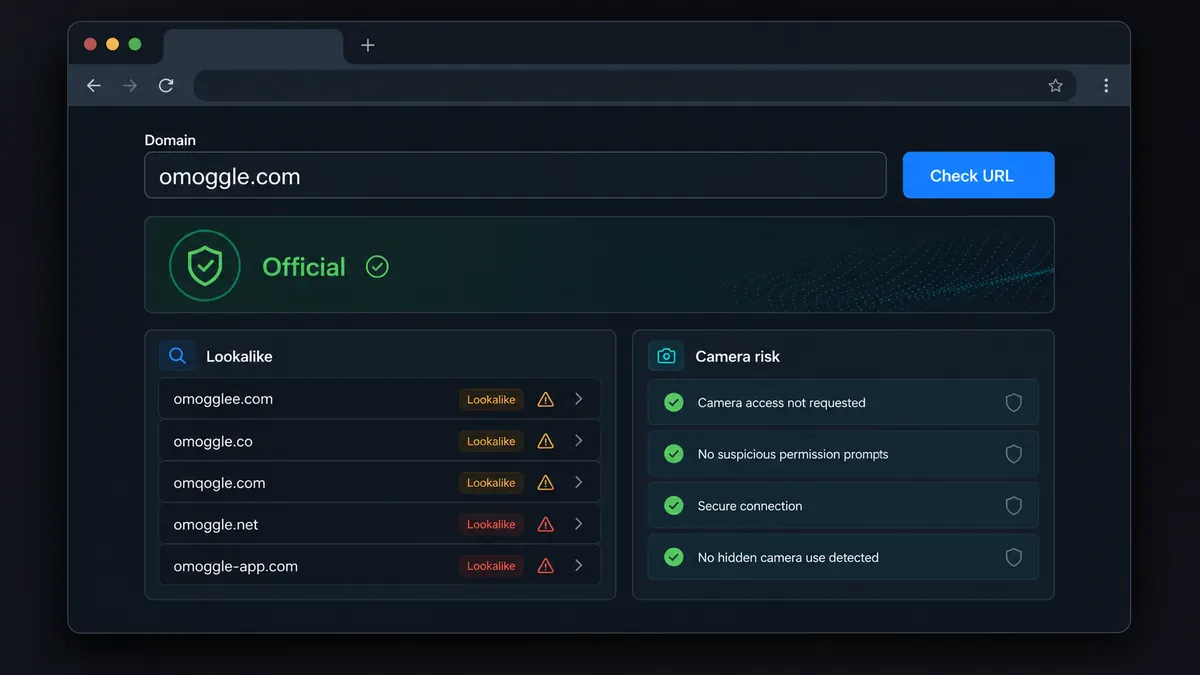
A similar domain is not automatically malicious, but it is not the same permission decision. Treat ELO, rank, camera handling, account data, and moderation as separate until the site proves otherwise.
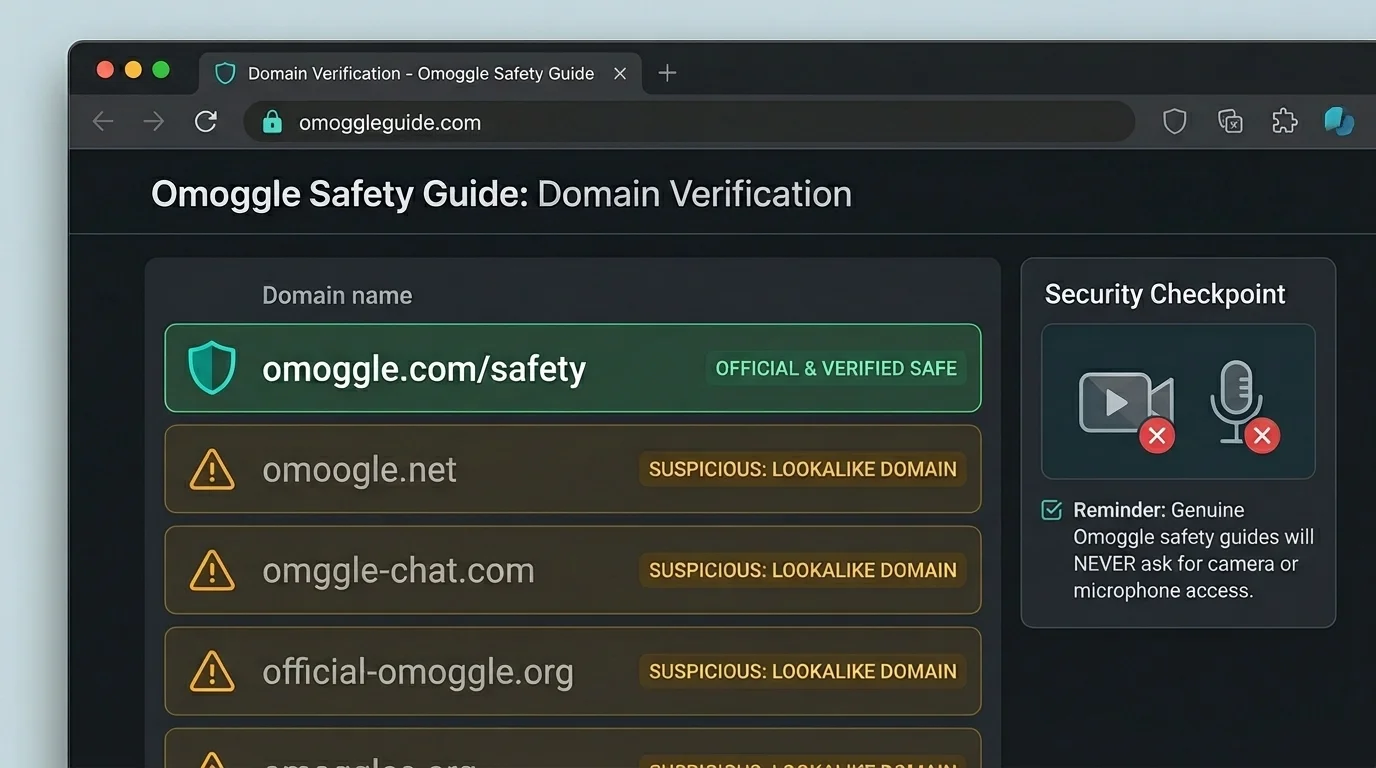
Use this exact sequence when you land on an Omoggle-looking page from search, TikTok, Discord, Reddit, or an ad.
Look at the browser address bar and copy only the domain. Page titles and buttons can say Omoggle even when the domain is different.
Use the result as a first-pass trust signal. Official, lookalike, typo, and unknown results each imply a different level of caution.
Check nowIf a page asks for an APK, browser extension, or installer before basic play, treat that as a separate security risk.
Before joining a live arena, verify whether the page explains camera handling, live stranger matching, age restrictions, and account data.
Even on the right domain, background privacy and browser permission still matter. Remove identifiers and test your camera before queueing.
Optimize setupAfter you verify the domain, use the next tool that matches your actual task.
Open the official play flow only after URL, age, camera, and privacy checks.
Check lighting, framing, connection, and privacy before the match.
Estimate how far your ELO is from Chad, Slayer, and Adam tiers.
Fix camera blocked, database error, black screen, and mobile loading issues.
These are not testimonials; they are observed intent clusters from search data.
Searchers type omoggle website, omoggle.com, o moggle, moggle site, and similar strings because they want the correct place to start.
Searchers also encounter omogglegame.com, omoggle.app, and omoggle.co, so a direct domain comparison is more useful than another generic explainer.
The decision is not only which link to click. It is whether a live webcam permission prompt deserves trust.
Short answers for people comparing Omoggle-looking domains.
The official Omoggle website associated with the live 1v1 arena is omoggle.com. Always check the address bar before granting camera permission.
Treat omogglegame.com as a separate Omoggle-looking domain unless Omoggle itself verifies a connection. Accounts, ELO, moderation, and privacy handling may differ.
Do not assume omoggle.app is the same as omoggle.com. Read the site's own policies and avoid downloads unless the source is clearly verified.
Browsers grant camera access to a specific domain. Permission for one site does not automatically apply to another similar-looking site.
Be cautious with APK files using the Omoggle name. A web game should not need a random installer before basic camera access.
Paste the domain, read the result, and avoid rushed camera permission decisions.
If the address is not omoggle.com, treat it as a separate site until you verify the policies yourself.
Independent guide. Not affiliated with Omoggle, Omegle, or any lookalike domain.