Your face is visible to a stranger
A match may last only seconds, but your live webcam is still shown to another person. That is the core Omoggle safety risk.
Omoggle safety guide
Short answer: Omoggle carries the same baseline risks as random webcam chat. The AI scoring layer changes the format, but it does not remove stranger exposure, screen recording risk, or age related concerns.
18+ only. This is an independent safety explanation, not legal advice.
A direct overview of the main safety questions before opening any Omoggle webcam match.
A match may last only seconds, but your live webcam is still shown to another person. That is the core Omoggle safety risk.
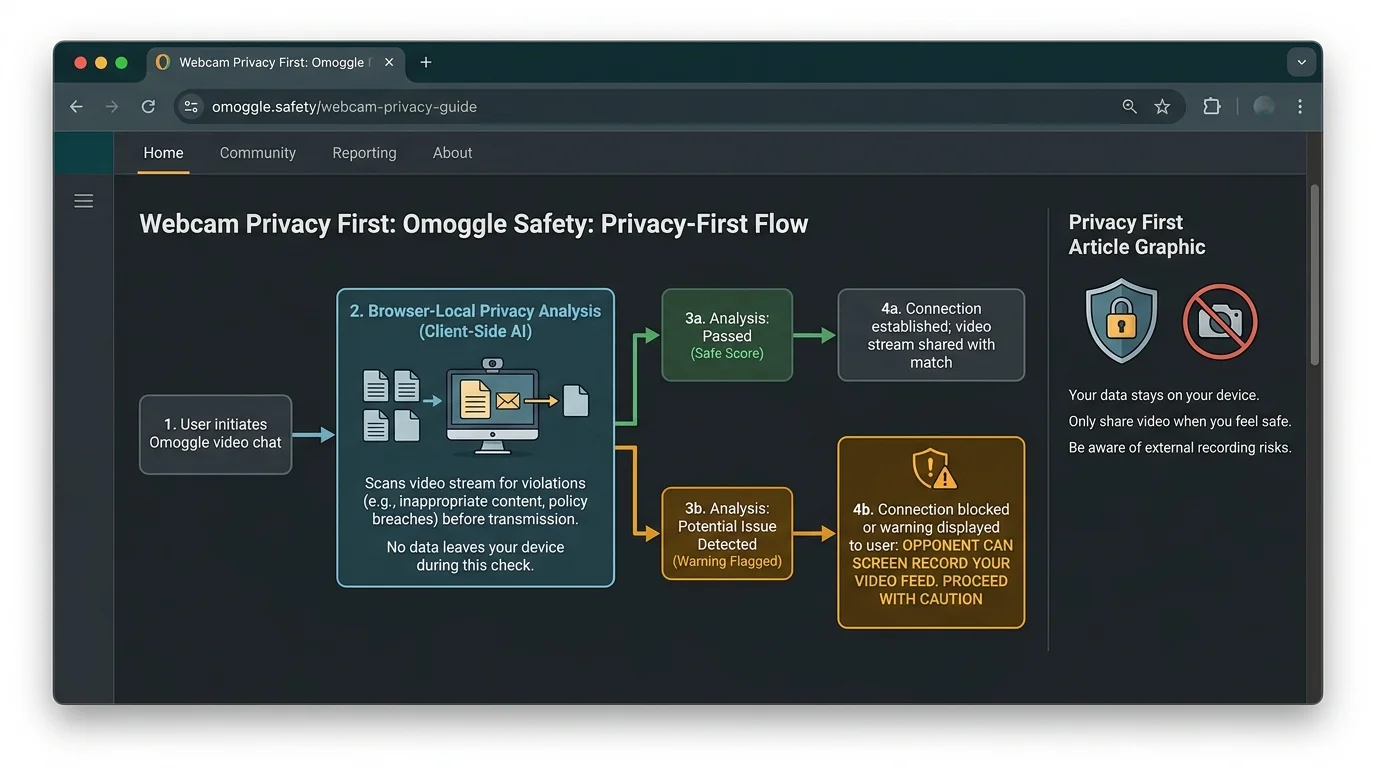
Even if Omoggle itself does not record raw video, an opponent can use OBS, a phone, or system screen recording during the match.
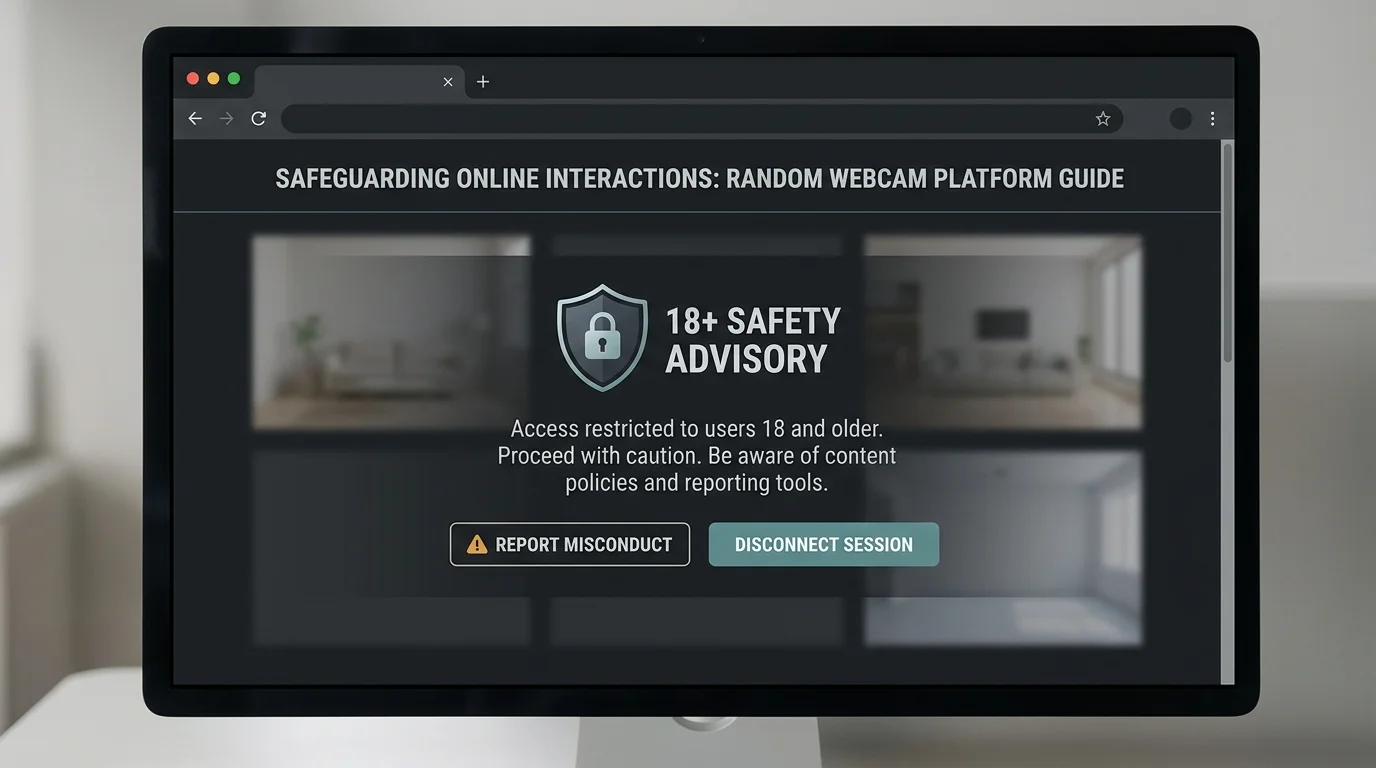
Omoggle safety starts with the 18+ rule. If you are under 18, do not use it. Adults should disconnect if someone appears underage.
Remove school logos, address signs, ID badges, family photos, and browser notifications before any Omoggle match.
A low score from a glitchy AI can still sting. If face rating content affects your self image, Omoggle is not a good fit.
A clone may have different moderation, privacy language, or storage behavior. Verify the URL and policy before assuming Omoggle safety is identical everywhere.
The key distinction is platform handling versus opponent behavior. Both matter when you decide whether Omoggle is safe enough for you.
Official explanations describe face analysis as browser based, with final score and match outcome used for ranking. That is better than uploading raw frames, but users should still read the current privacy page before relying on any claim.
The platform is presented as 18+, and random webcam matching is not appropriate for minors. If you are an adult and match with someone who appears underage, disconnect immediately and use the report tools available on the site.
If you choose to play, reduce avoidable Omoggle safety risks before joining a public queue.
Do not use Omoggle if you are under 18. If a match appears to involve a minor, disconnect immediately.
Check the frame for school names, workplace badges, address signs, family photos, or anything that ties the webcam image to your real identity.
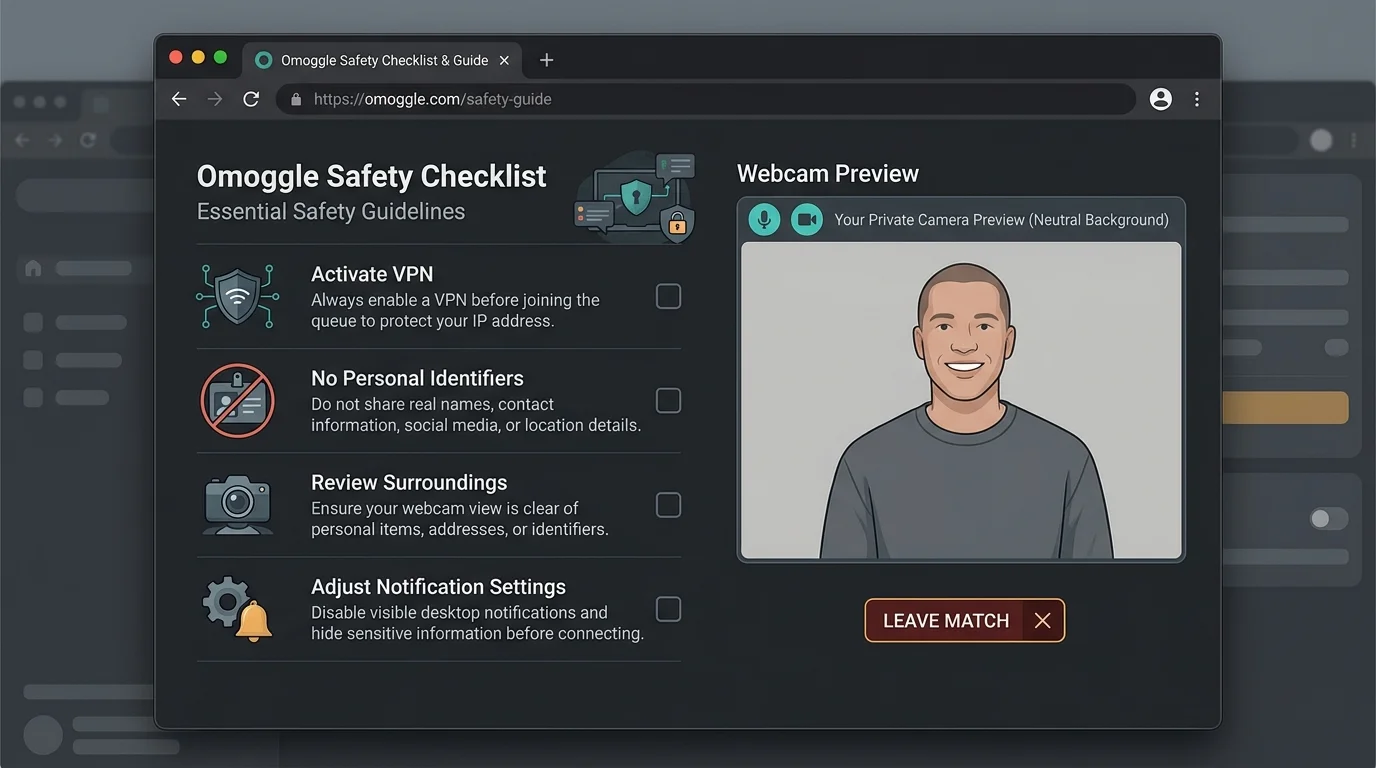
Open your camera preview first. Make sure the frame is plain, notifications are hidden, and no real name appears in browser tabs or pop ups.
The person on the other side can record their screen even if the platform does not. Treat every match as potentially captured.
Do not debate, perform, or stay when something feels wrong. Leave the match and report when appropriate.
Review alternativesThe answer changes based on who you are, what you expect, and how much webcam exposure you accept.
Run an Omoggle camera test before deciding whether Omoggle is safe enough for your setup.
ToolCheck Omoggle app and APK risk before installing anything that claims to be Omoggle.
AppVerify omoggle.com and lookalike domains before camera permission.
URLUnderstand what a mog battle exposes before joining public matching.
BattleAccessing Omoggle unblocked on a home or mobile network does not remove the 18+ rule or webcam risks.
+400%Healthy safety content should be specific, cautious, and clear about uncertainty.
A trustworthy page explains what data is processed locally, what is sent to servers, and what opponents can still record on their own.
Any page saying Omoggle is completely safe is overselling it. Random webcam chat always carries risk because the other user is not under your control.
The safest advice includes 18+ rules, disconnect guidance, background checks, and a reminder that no AI game score is worth personal exposure.
Direct answers about Omoggle privacy, webcam data, VPN use, minors, and screen recording.
Omoggle appears as a real browser-based mog battle site, but you should verify omoggle.com, read the current privacy language, and avoid clone downloads before granting camera access.
Omoggle can be dangerous if you expose private details, are under 18, trust a clone, or ignore that opponents can screen record. Use the camera test and safety checklist first.
Official explanations describe face analysis as running in the browser, with final score and match outcome used for ranking. You should verify the current privacy policy before playing.
Yes. The platform cannot prevent another user from recording their own screen or pointing another device at it. Treat every match as recordable.
No. Omoggle is an 18+ random webcam platform and minors should not use it. Adults should disconnect if someone appears underage.
We have not seen a clear public restriction against VPN use. If you use one, connect before joining a queue instead of changing network state during a match.
Losses usually affect ELO, not account access. Moderation actions are more likely tied to behavior, reports, or rule violations.
Leave immediately. Use report tools when available. You do not owe a stranger continued camera time.
Omoggle's public documentation describes face analysis as running in the browser, with only the score and match outcome sent server-side. Whether raw biometric data is stored or sold to third parties is not confirmed publicly. Read the current privacy policy at omoggle.com before playing.
Match outcomes and ELO updates are processed server-side. Account registration links a user identity to match history. How data is retained or shared beyond that is governed by Omoggle's privacy policy. Treat all webcam-based platforms as data-collecting services and review the policy before engaging.
The safest version of Omoggle is the one you approach with clear boundaries.
Verify the website, remove personal identifiers, and choose an alternative if webcam scoring is not worth the tradeoff.
This guide is informational and independent. It is not affiliated with Omoggle or any platform listed.